Why Self Hosted Solutions Are Gaining Ground
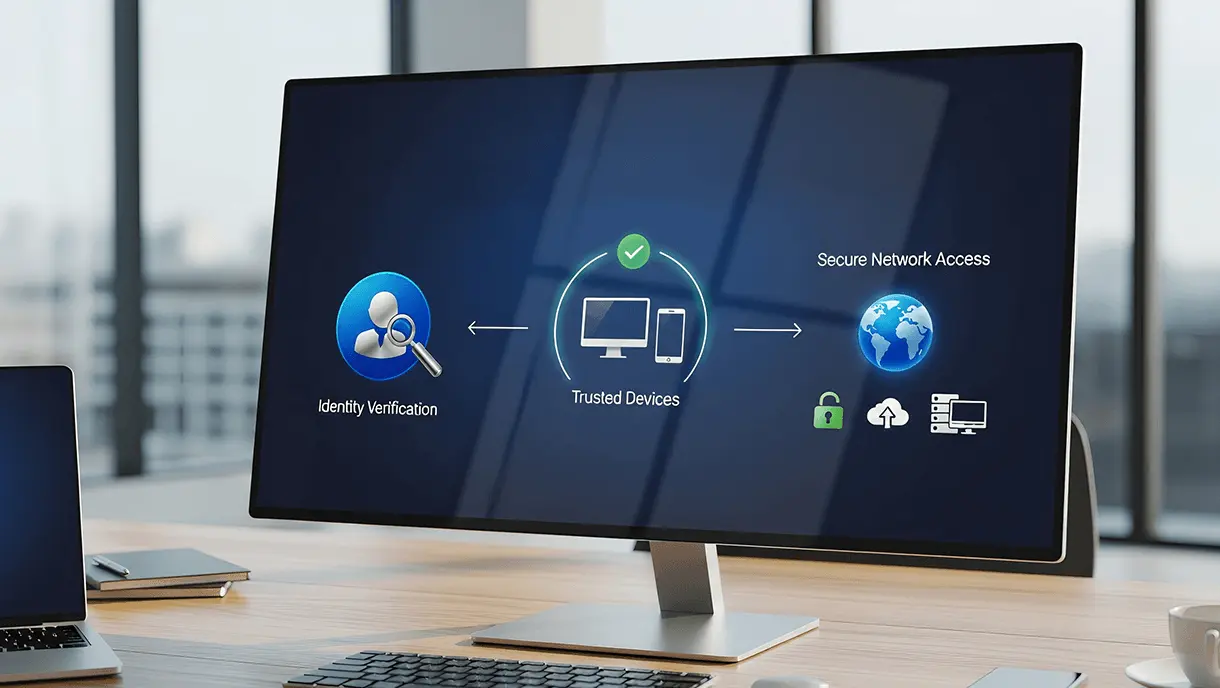
Data leaks and unauthorized access haunt networks. Companies want tougher shields for their key assets. But they also need remote work to stay smooth. This tension feeds zero trust network access (ZTNA)—a system that never trusts by default, always checks users, and locks down access to just what’s needed. Self hosted solutions are turning heads here. They offer firms full control and keep privacy closer.
Dropping third-party clouds chops off a risk layer. Self hosting also eases compliance headaches with data location, a must when strict geographic laws bite. Instead of giving outsiders sensitive data and keys, companies run their own gear. That bolts on stronger security, since rules fit exact business needs—not shoehorned into one-size-fits-all platforms.
Here’s what self hosted zero trust network access brings:
- You own your security tools, shrinking places attackers can hit.
- Policies can flex fast to meet shifting business risks.
- No recurring fees that spike with user count or capacity.
- Privacy tight—no outsiders see your traffic or logs.
- Works smoothly with old-school authentication and any identity provider.
These rigs catch on fast in heavy compliance zones—finance, healthcare, government. They expand remote access but avoid crowding users into shared clouds. On-prem or private cloud installs tidy up traffic flow and boost uptime.
Security pros now call zero trust the backbone of modern defense. Cloud ZTNA spins up fast but sometimes lacks deep control for risky cases. That gap pulls cautious orgs toward self hosted zero trust—where location or device doesn’t earn you trust by default.
Overview of Twingate Zero Trust Network Access

Want to dig deeper into identity and access layers? Guarding an invisible border means rethinking network design, and self hosting anchors that shift.
Experts say this trend won’t slow. More companies dodge cloud vendor lock-in, chasing flexible, secure remote links shaped by their rules, risks, and terrain. NIST’s definition of zero trust architecture hammers home this truth: spreading trust means tight grip on identity and network paths—exactly what self hosted setups deliver.
- Overview of Twingate Zero Trust Network Access
- Features and Benefits of Perimeter 81
- Exploring Netmaker
- OpenZiti Deployment and Management Insights
Who Benefits Most from This Approach
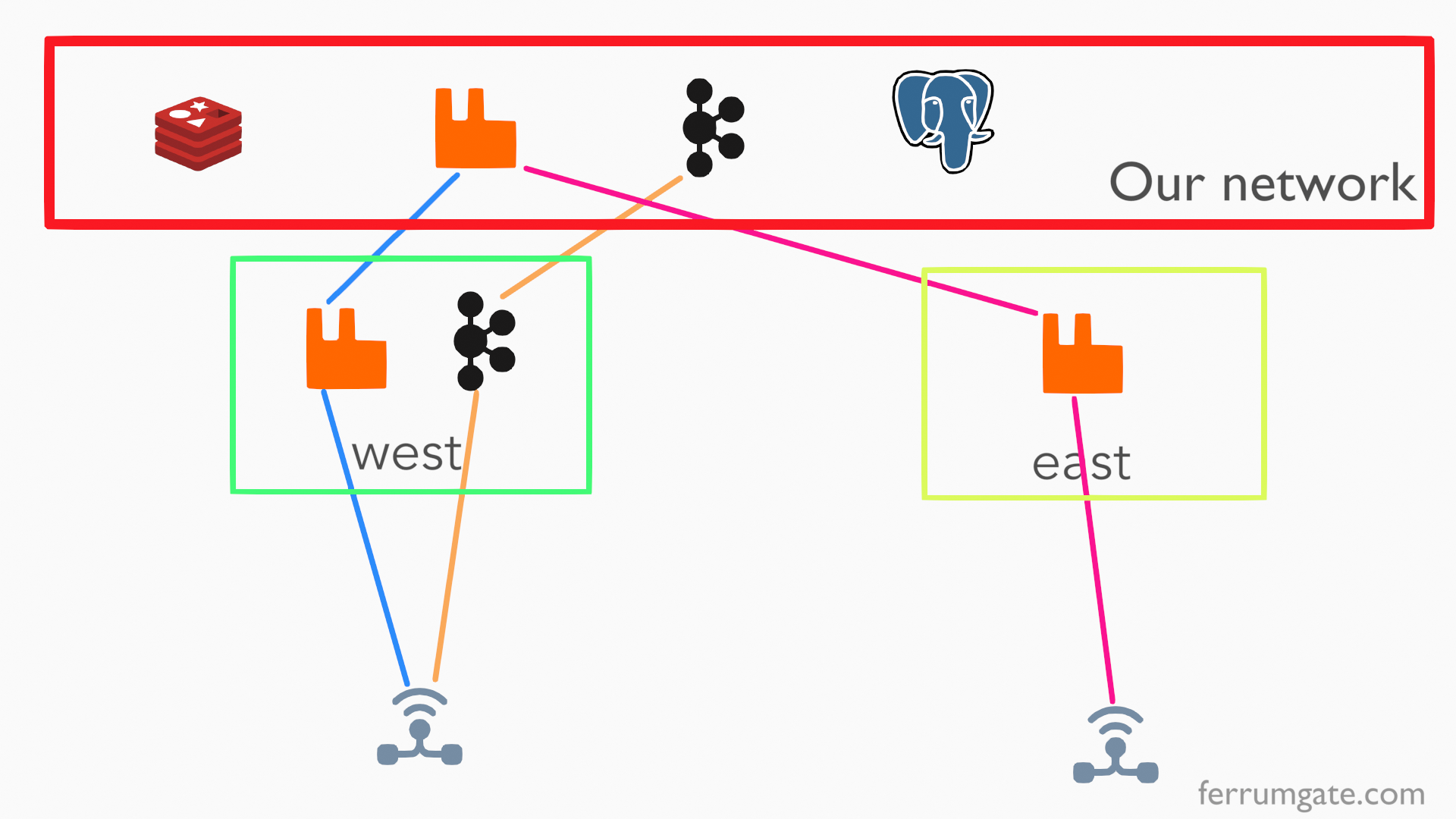
Organizations that need tight control over remote access fit well here. So, you keep familiar user workflows—but don’t sacrifice safety. This solution locks security front and center. It cuts off unnecessary exposure but still lets distributed teams connect with ease. Unlike traditional VPNs, it demands strict identity checks every time someone tries to get in. This sharply lowers the chance that an attacker can move sideways once inside. Plus, it plugs right into your existing identity providers.
The model tracks sessions in detail, making it much simpler to meet regulatory targets for access records and spot threats in real time. Enterprises tied to heavy compliance and audits get sharp reach into user actions and network traffic. Businesses with hybrid or fully remote teams enjoy on-demand access without draining resources or clogging IT workflows. The decentralized design sidesteps bottlenecks old-school VPNs often cause. Security-first groups wanting to avoid vendor lock-in can self-host core parts. They maintain complete data control and customize policies tightly based on their own risk evaluations.
Pricing scales across team sizes and doesn’t trap organizations in steep multi-year contracts. Clear tiers help small pilots budget wisely, while large deployments get predictable costs. Verified customers say they see big drops in operational loads and faster incident response times—two key advantages given today’s threat market.
- Key components are open source, which provides both transparency and a community’s watchful eye. Organizations weigh that heavily alongside commercial support options.
- Vendor responsiveness and clear service-level agreements carry real weight, backed by glowing reviews from IT pros who’ve seen it perform under real stress.
- But don’t mistake this for a plug-and-play tool. It takes dedicated effort and serious networking chops to set up correctly. It’s best for teams with internal security experts or trusted consultants on call.
Firms needing fine-grained control—without blindly handing off perimeter defenses—get a powerful solution here. This approach is a solid investment where risk and compliance stakes outweigh convenience. Combined with federated identity and extended detection solutions, it strengthens security to better align with modern enterprise requirements.
That autonomy often cuts down wild compliance surprises and boosts confidence in managing remote users. Organizations eager to own their security frameworks and broad access governance find this approach rewarding. The trade-off between early complexity and lasting control favors those who won’t settle for anything less than tight defense.
Features and Benefits of Perimeter 81

For more on similar identity management tools, check best single sign on solutions for small business with feature and pricing analysis.
Common Considerations When Using Self Hosted Zero Trust Network Access Solutions
Deployment Requires Infrastructure Readiness
You have to start with a solid network. Servers, endpoints—they all need to run zero trust software well. Sometimes that means upgrading gear or adjusting settings. Miss this step, and crashes or security gaps creep in. Without that base, integration feels like pushing a boulder uphill.
Compatibility Extends Across Diverse Platforms
These systems usually support Windows, macOS, Linux, iOS, and Android. That lets users connect securely from almost anything. No cloud service is needed. This avoids control limits and compliance headaches cloud setups sometimes bring. Still, some rare compatibility quirks happen. Always check with your vendor about those.
Security Enhancements Target Granular Access Control
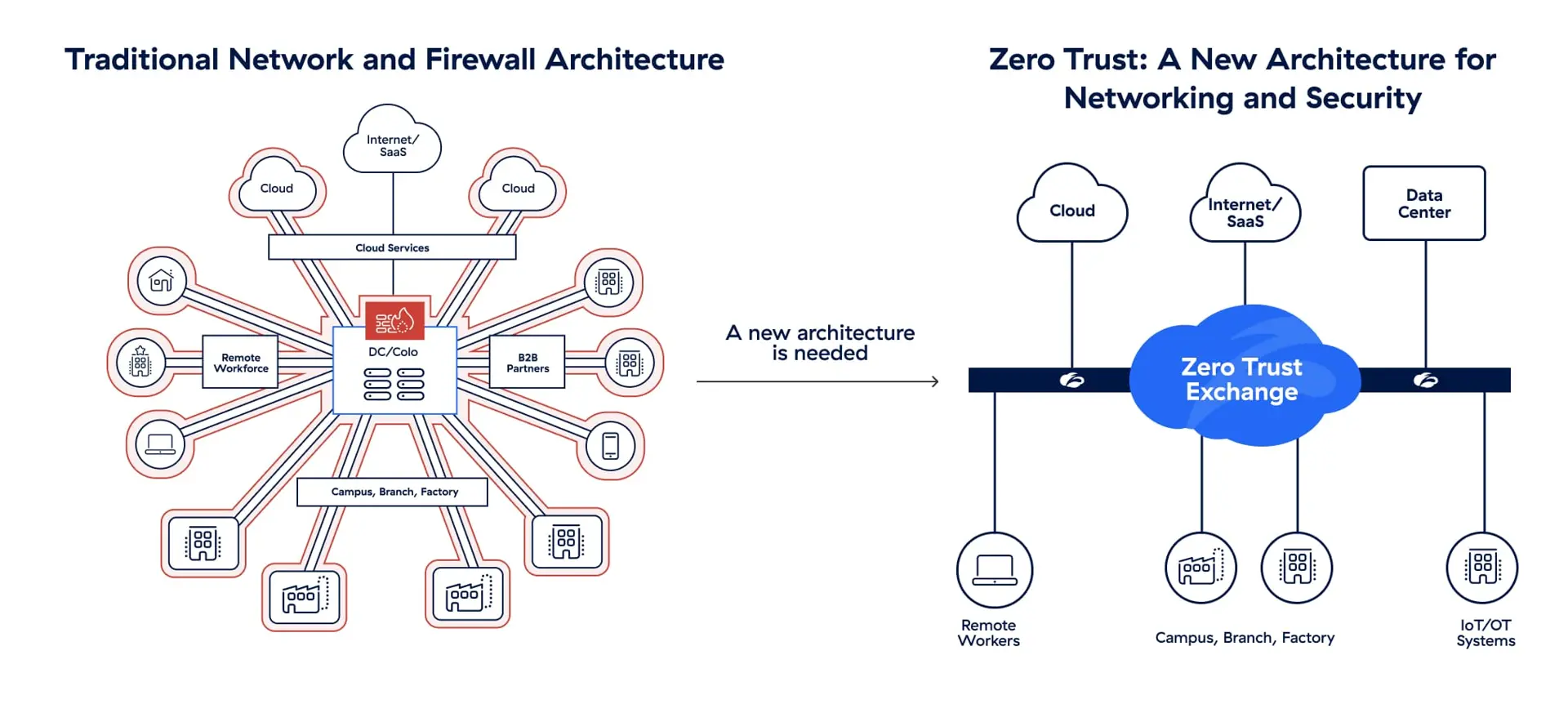
Zero trust kicks old “trust the network” ideas to the curb. It checks who you are, your device’s health, when, and where you connect from. This stops attackers from moving sideways inside the network after a breach. Every request goes through strict verification. The attack surface shrinks dramatically this way.
Maintenance Demands Skilled IT Staffing
These systems aren’t “set and forget.” Your IT team must watch security closely, apply patches, and update policies nonstop. Miss a patch or misconfigure a setting, and you leave open doors for intruders. Strong IT know-how here isn’t optional. Planning budgets for this is key too.
Integration with Existing Security Tools Is Possible
Most zero trust setups plug into LDAP, Active Directory, and multi-factor authentication. That keeps user management straightforward and policies consistent. But your environment’s mix of tools affects how complex this gets. Sometimes it’s a breeze; other times, it’s a tangled mess.
Scalability Depends on Architecture and Licensing
The users you can support depend on server capacity, capacity, and the licensing deal you sign. Unlike cloud models capped by vendors, your physical hardware limits throughput. Poor planning will tank performance when your demand spikes suddenly.
Cost Structures Differ from Cloud Alternatives
Upfront costs include hardware, licenses, and staffing—not monthly fees. This can save money long term for big teams but hits small deployments hard with high initial costs. Vendors like Twingate and Perimeter 81 offer pricing tiers that shift total ownership costs noticeably.
Updates Are Managed Internally, Enabling Control
You call the shots on update timing. Testing patches in a staging environment stops cloud-like update blunders that cause outages. However, if updates lag, security holes form quietly. Balancing fast patching with careful testing demands discipline.
Troubleshooting Requires Expertise in Network Security
Fixing issues means knowing authentication systems, encryption nuances, and where policies apply. Your IT staff must grasp zero trust rules and their vendor’s tools. Support resources vary wildly, and delays in fixes can happen when documentation is sparse.
Regulatory Compliance Is More Attainable with Private Hosting
Hosting zero trust inside your network helps meet strict data residency and privacy requirements. Sensitive data stays behind your firewalls, lowering compliance risks common with cloud services. Finance and healthcare sectors value this highly due to tight regulations.
Vendor Lock-In Is Minimized with Open-Source Options
Platforms like Netmaker and OpenZiti offer open-source versions. They dodge proprietary lock-in by showing their code openly. This grants freedom to tweak and tune security to fit your exact business demands.
Real-World Case Studies Illustrate Measurable Security Gains
Firms using these solutions report sharp drops in unauthorized access incidents. Mid-sized companies noted faster breach response times and greater network reach. The security gains often justify the ongoing maintenance grind.
Remote Access Experience Remains User-Friendly
Security doesn’t make logging in painful. Single sign-on and adaptive authentication smooth out the process across devices. Users rarely get annoyed, which helps teams stay on top of security rules.
Choosing Between Fully Self Hosted or Hybrid Models
Some vendors let you mix deployment styles: keep core controls on-site while running extra services in the cloud. This balances security and ease but adds complexity. Your team must handle the challenges of managing mixed environments carefully, given your IT skills and threat market.
Continuous Monitoring Is Integral to Effectiveness
Zero trust relies on nonstop review of access logs and unusual activity. Often paired with SIEM and logging tools, this helps spot attacks early and meet compliance demands. Without strong analytics, your defenses weaken dramatically. Monitoring is critical.
System Requirements Include Strong Network Infrastructure
You need firewalls designed for zero trust, stable internet connections, and high-availability setups. A shaky network backend ruins user experience and weakens enforcement. This foundation is non-negotiable for reliable solution performance.
Data Encryption Is Enforced End-to-End
Data stays encrypted in transit and at rest using TLS and AES. You control cryptographic keys, so confidentiality is tighter than with typical cloud providers.
Choice of Protocols Impacts Performance and Security
Different tunneling or proxy protocols change speed and latency. Vendors try to cut overhead, but trade-offs exist between efficiency and security strength. Picking the right one depends on your operational priorities and environment.
Backup and Disaster Recovery Plans Must Include Access Systems
Zero trust configs matter deeply to your business. Regular backups and tested recovery plans prevent costly disruptions from data loss or corruption. Your disaster recovery strategy should fully cover these access layers.
Deploying and running zero trust isn’t trivial. The investment firms make reveals how seriously they take network defense today. Resources like NIST’s zero trust architecture guidelines provide a solid blueprint. Following them matters—your protections depend on it.