Alex has been tracking software, hardware, and new tech trends for more than ten years. He breaks down complex stuff into simple, no-nonsense reviews and updates. If there’s a new gadget or digital tool, Alex is probably the one who’s tested it first.
Why Vulnerability Scanning Matters for Small Business Security
Cyber threats evolve rapidly—often outpacing the limited resources most small companies have. Securing a small business network is tricky. Choosing the right vulnerability scanning software could stop a breach that racks up tens or even hundreds of thousands in damages. These tools don’t tick off checklists; they uncover weaknesses long before hackers do. For today’s IT teams, that kind of lead time is invaluable.
It’s the frontline defense that spots software bugs, missing patches, and misconfigured settings—precisely the flaws hackers exploit. Vulnerability scanning isn’t a luxury. Small businesses rarely employ experts who watch these risks constantly. That gap leaves them exposed to ransomware, phishing, or data breaches. Automated scanners probe networks nonstop, triggering alerts while there’s still a chance to respond.
The solution must encompass endpoints, servers, and cloud services company-wide without overwhelming a small team with excess data. The best scanning software for small businesses balances technical might with budget reality. Unlike large enterprises with dedicated security squads, SMBs need tools that blend accuracy, user-friendliness, and clear reports so fixes happen fast.
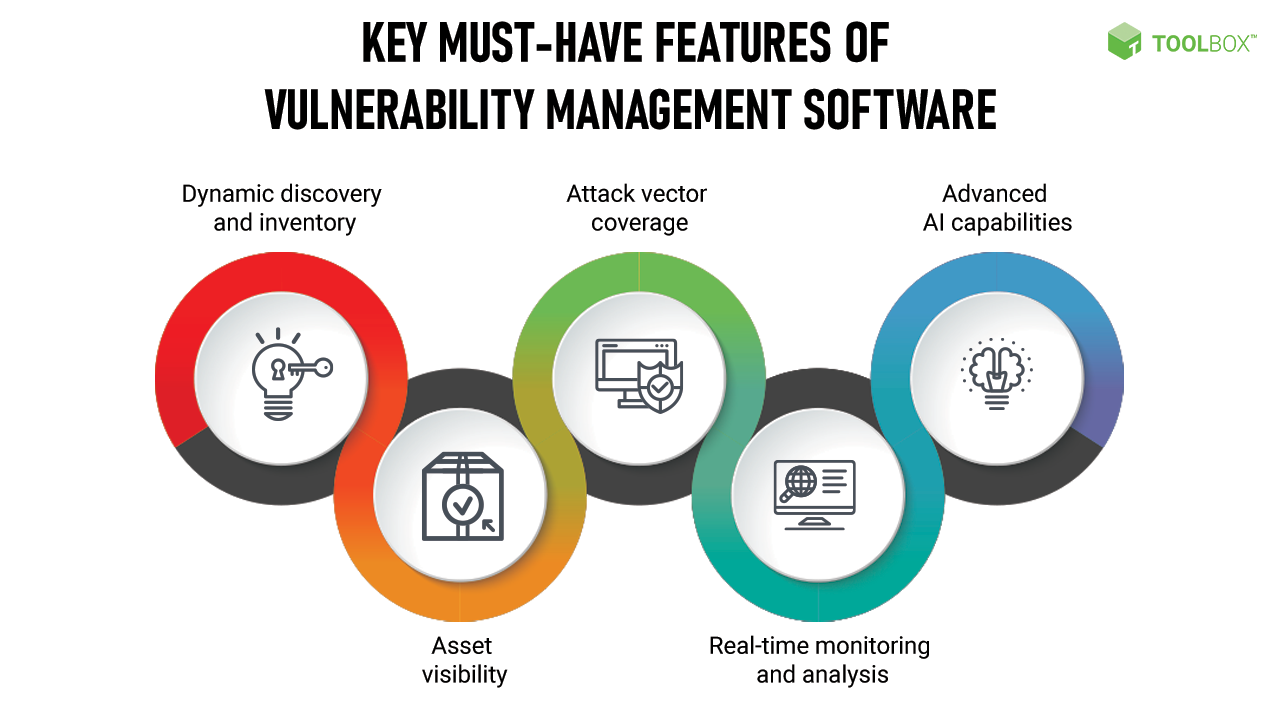
Here’s what really counts:
Scan coverage that hits major operating systems plus common applications
Updates delivered often, syncing with the latest threat intelligence
Dashboards designed to simplify risk assessment for less technical users
Integration capabilities—working with patch management and alert workflows
Transparent pricing models that suit small business budgets
Industry figures show over 40% of breaches hit SMBs, leading to millions in lost revenue and recovery costs. Cyberattacks targeting smaller companies have surged lately. With both threats and expenses rising, solid vulnerability scanning software is no longer optional—it’s about survival.
Nessus – Trusted Gold Standard Vulnerability Scanner
Some SMBs might pair scanning with affordable endpoint detection and response solutions. Unlike simple scanning, these monitor systems in real time to block attacks before damage spreads. Securing IT isn’t a one-off task—it’s a constant cycle of scanning, patching, and vigilance. Solutions custom to SMBs make that cycle manageable, not overwhelming.
Summary: The Best best vulnerability scanning software for small business
Nessus — Includes 40 specialized vulnerability scanner listings custom for small business environments
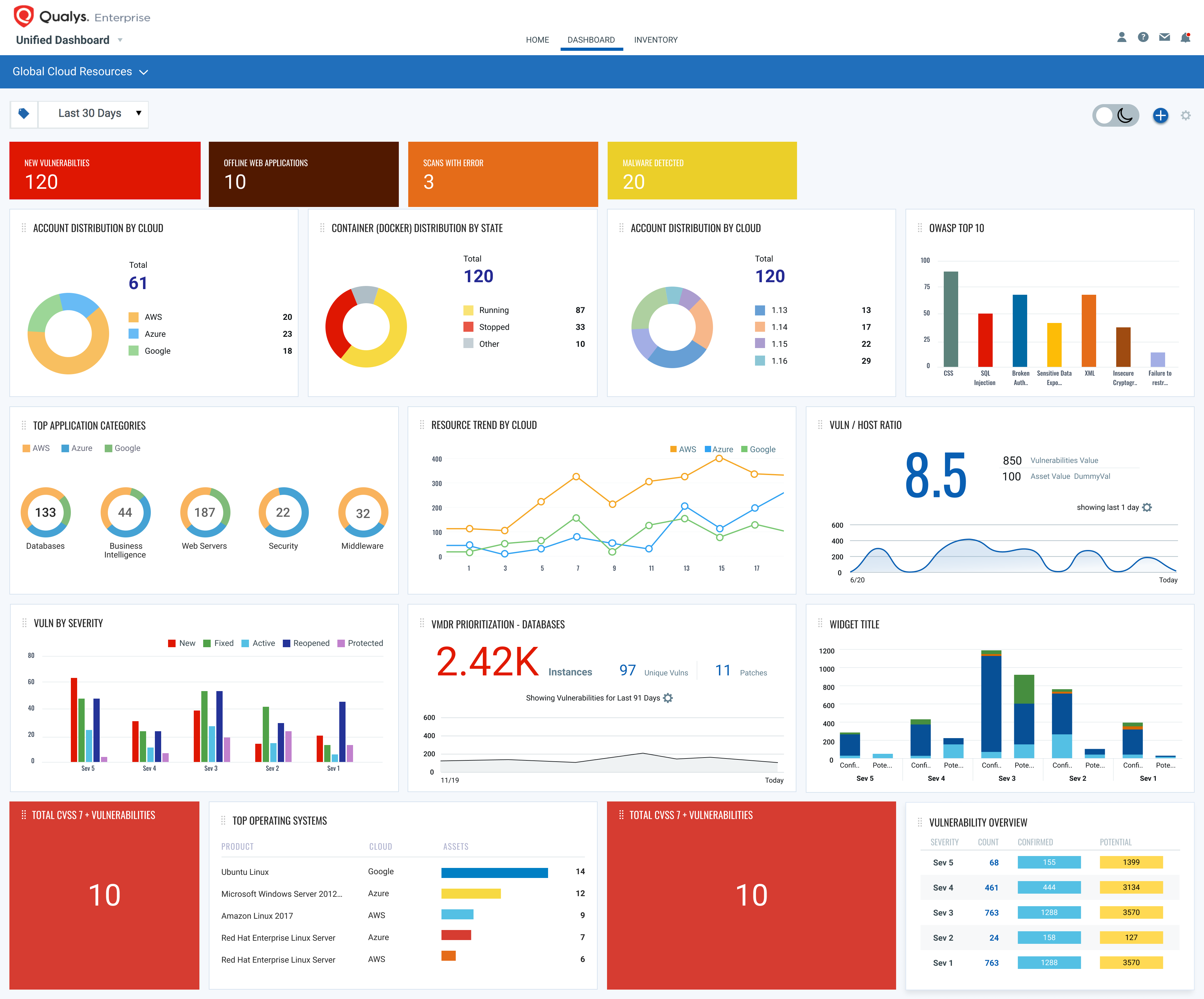
Qualys — Qualys Vulnerability Management (VMDR) pricing starts at $199 per asset annually.
Rapid7 Nexpose — Free tier includes Azure DevOps integration, improving workflow automation for development teams.
Acunetix — Offers a free version that supports Azure DevOps integration for simplified vulnerability scanning workflows
OpenVAS — OpenVAS is a fully open source vulnerability management platform with no licensing fees
Burp Suite — Pricing starts at $475, with editions supporting various usage levels and unlimited users included.
Includes 40 specialized vulnerability scanner listings custom for small business environments
Nessus – Trusted Gold Standard Vulnerability Scanner
Overall4.2/5
Value4.4/5
Ease of Use4.6/5
Support4.6/5
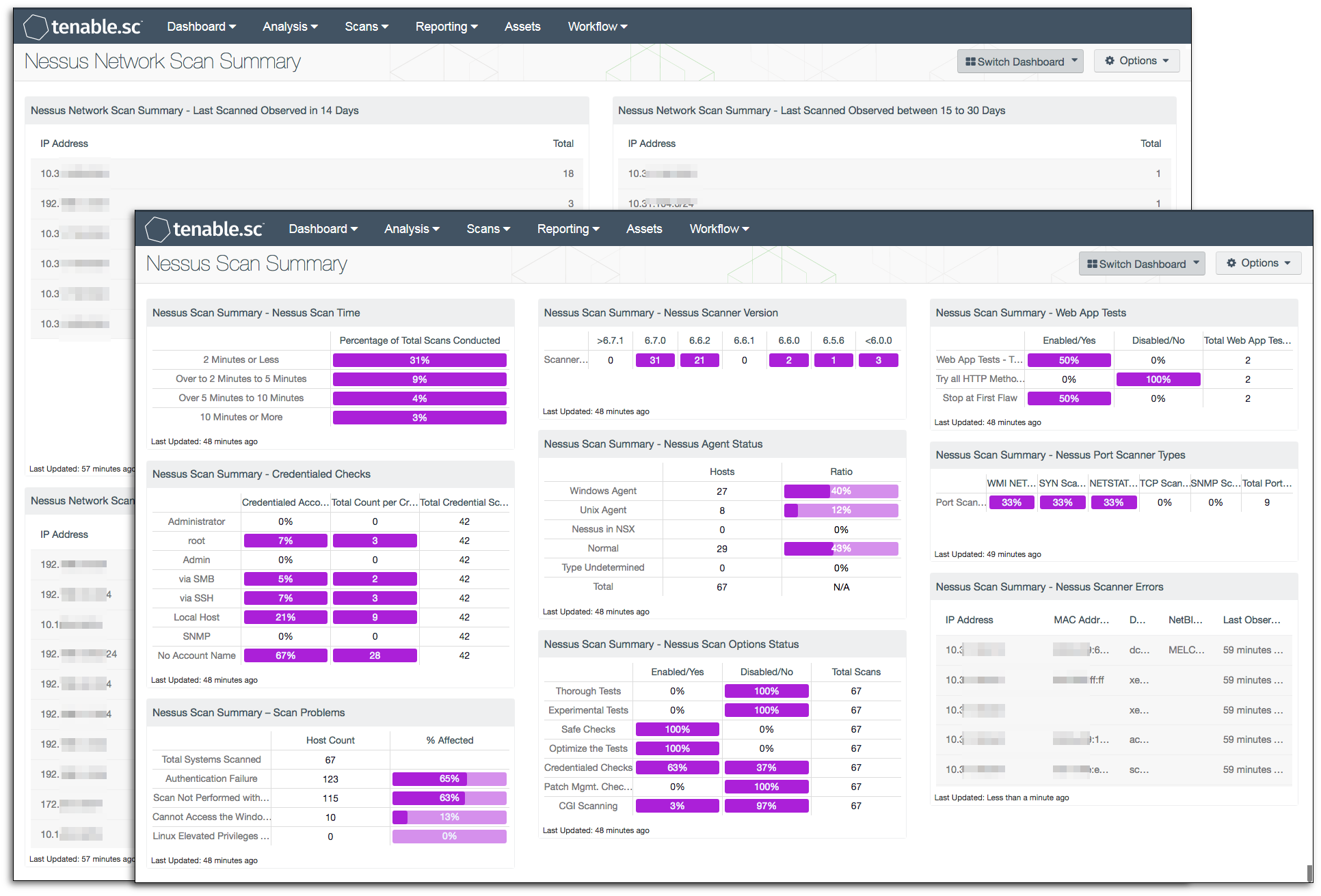
Nessus sticks to a narrow range of vulnerability scanners, mainly aimed at smaller companies. It zeroes in on network security alone, without stretching into other areas. Because of that limited focus, it’s not great for folks who need flexible or in-depth scans. It works well enough for straightforward SMB setups but struggles with the more tangled environments in big enterprises. Unlike Qualys, which spells out its pricing clearly, Nessus keeps its costs under wraps.
That’s a weakness compared to tools like Rapid7 Nexpose, which lean on those features to scale efficiently across varied environments. Overall, Nessus fits simpler, localized infrastructures better. The docs don’t say much about integration or automation options. You won’t find many controls to adjust scans or reports, either, which limits customization for groups with specific vulnerability needs. Licensing terms are vague, especially if you plan to run Nessus across several locations. Service providers juggling clients spread out here might hit a wall.
Small security teams focused on basic scans without extras will find it decent and efficient. It’s handy for SMBs who care mostly about network hygiene, but it falls short if you want a full security management solution. Still, it scans common network weak spots solidly. It’s not built to automate or cover a broad range of risks like other tools do. For businesses wanting software that ties into bigger security frameworks or that looks beyond just networks, Nessus doesn’t quite cut it.
Need endpoint detection that works hand-in-hand with vulnerability scanning? Take a look at 5 Cost-Effective Solutions For Best Endpoint Detection And Response Software.
✓ Pros
✗ Cons
✓Includes 40 specialized vulnerability scanner listings custom for small business environments
✗No explicit mention of integration options or automation features in current materials
✓Widely used by thousands, indicating extensive deployment and industry adoption
That price positions it for medium to large companies prepared to invest in solid, broad security coverage. Small teams or solo users might balk at that steep entry fee. Qualys’s Vulnerability Management Detection and Response (VMDR) costs $199 a year for each asset. Unlike Nessus, which veils its pricing, Qualys lays out clear costs—so businesses can forecast expenses without guesswork. But note this: Web Application Scanning (WAS) requires a separate subscription, starting at $500 per month.
The pricing reflects Qualys’s focus on custom, modular security solutions. That slows response. Each component is packed with premium features for specific needs. However, there’s no free or trial option, which makes it harder for smaller businesses to experiment. Competitors often carve out trial tiers before paid plans, smoothing the onboarding process. On the downside, Qualys users have flagged slower customer support and longer turnaround times for reports.
Qualys’s real strength lies in its tightly integrated VMDR platform. It automates scanning, focus ons assets by risk, and simplifies response workflows to slash enterprise threats efficiently. The $199 yearly rate appeals to companies seeking dependable performance rather than short-term savings. Quick report delivery or rapid support might be secondary priorities here. Overall, Qualys suits mature organizations willing to dedicate resources to a complete vulnerability solution. Startups or small businesses may find the costs and response delays tougher to handle as they move fast and pivot frequently (more or less).
✓ Pros
✗ Cons
✓Qualys Vulnerability Management (VMDR) pricing starts at $199 per asset annually.
✗No free plan is offered, which may restrict access for smaller organizations or trials.
✓Qualys Web Application Scanning (WAS) is available as a separate paid plan.
✗Running reports in Qualys VMDR can be time-consuming, impacting efficiency.
✓Qualys offers premium subscriptions starting from $500 per month without free tiers.
✗Qualys VMDR support is often slow with delays in updates for reported issues.
✗Qualys VMDR reports are not suitable for users needing exhaustive detail in vulnerability reports.
Rapid7 Nexpose’s free tier delivers automation that ties directly into development work (more or less). Many competitors only offer this in paid versions. Having security tasks pop up early in your development pipeline helps cut down risks on the fly. But there’s a catch—without clear data comparing vulnerability counts, you’re left guessing if the detection range is as broad as rivals’.
Put up against tools like Nessus, Nexpose pipes open inspection straight through its free plan. Others, chasing full threat catalogs or elaborate analytics, might spot holes. That means you see what’s going on and can tweak things freely. Its paid Business Vulnerability Scanner targets enterprise needs with neat pricing tiers that make budgeting simpler. Still, its reporting isn’t as detailed as some firms want; compliance teams hunting for deep forensic data might feel shortchanged. Folks who prize slick DevOps fits and straightforward scans will like what they see.
Small to medium businesses get a flexible, repeatable checkup baked into fast release beats. While its vulnerability database isn’t as vast as some giant names, Nexpose bets on easy access and catching risks early instead of catching every last flaw (for the most part). The big win lies in weaving security into software delivery flows. Pricing starts free for solo use, then stretches up to suit big enterprises.
Key Features Behind Rapid7 Nexpose’s DevOps Focus
This real-time thread cuts risk well before anything hits production. Nexpose plugs scanning right into dev environments to catch and fix issues while code’s still fresh. The idea fits with industry moves toward baking security into the build process, a trend top analysts recently spotlighted. Reporting falls short in sophistication compared to market leaders, but the tool’s strength lies in feeding security data smoothly into the usual workflow—giving teams clear, practical steps over a flood of findings.
It doesn’t cover every vulnerability or churn out every report detail, but it’s easy to add and supports smaller squads well. Security here moves with the team throughout delivery, not just sitting off to one side at the end. If your goal is fast automation and cutting down scan fuss rather than catching every single threat, Nexpose strikes a solid chord.
✓Free tier includes Azure DevOps integration, improving workflow automation for development teams.
✗No explicit mention of number of vulnerabilities detected compared to over 140,000 by competitors.
✓Business Vulnerability Scanner plan available to address organizational cybersecurity needs.
✗Missing detailed reporting capabilities referenced for leading competitors in vulnerability assessments.
✓Free version allows open-source scanning capabilities for vulnerability assessments.
✓Helps individuals and organizations build and maintain a resilient cybersecurity framework.
Acunetix – Web Vulnerability Scanner Specialist
Overall4.6/5
Value4.3/5
Ease of Use4.5/5
Support4.2/5
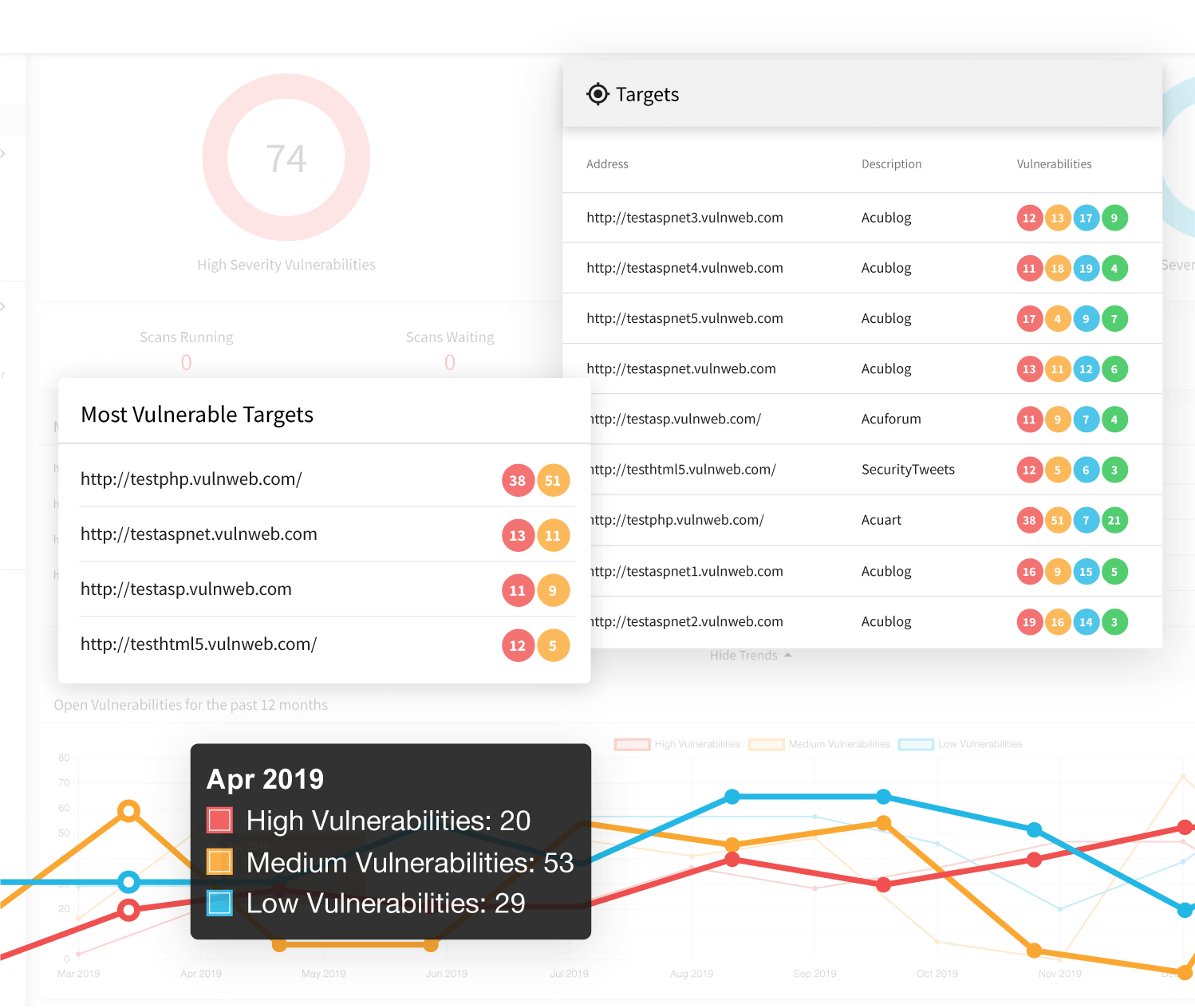
Acunetix’s free plan mainly targets users working inside the Azure DevOps world. It hooks security checks right into the development pipeline, helping teams spot vulnerabilities early on. If you’re deep in that system, it works well. Competitors like Qualys and Rapid7 Nexpose support loads more platforms, making them a better fit for diverse setups. Providers juggling many clients or projects will hit snags. Vendors like Nessus lay out clearer, more flexible terms. Pricing is just as cloudy—no obvious tiers mean you have to talk to Acunetix direct to get a quote. Most rivals offer simple, upfront price lists. So, Acunetix suits teams that want tight Azure DevOps integration and free open-source scans. But if you need broader support, clear licenses, and easy pricing, this isn’t it.
Its free version scans open-source projects at no extra cost—a plus for community software. But if you’re a managed security provider or need multi-client handling, you might run into walls. Inside Azure DevOps, Acunetix plugs straight in, a big help for developers hunting down holes during continuous integration. Still, it can’t jump to other CI/CD tools, which limits its pull for teams working with mixed platforms or alternative DevOps setups. That muddies the waters for groups managing several clients or projects at once. You’ll find it fits midsize companies and Azure-focused dev teams best.
Acunetix shines mostly because of its tight Azure DevOps hookup plus its free option for scanning open source. For developers locked into Microsoft’s cloud, it speeds up vulnerability checks during builds and releases. Yet, it doesn’t stretch beyond that well, and its prices hide behind vague terms. Before committing, weigh its workflow security perks against those limits. It pushes a narrow user base: teams bent on Azure rather than big orgs needing cross-platform reach or clear licensing. So, it acts as a niche security tool, plugging into workflows but leaving gaps where other solutions cover mixed environments or simpler licenses. Azure pipeline folks get a smooth ride. Enterprises wanting scale and pricing clarity might struggle.
✓Offers a free version that supports Azure DevOps integration for simplified vulnerability scanning workflows
✗Limited evidence of support for environments beyond Azure DevOps, which could restrict integration choices
✓Business Vulnerability Scanner plan available to support organizational cybersecurity needs
✗Lacks clarity on license usage model for multi-client or multi-project situations, unlike some competitors
✓Free tier allows scanning of open-source projects, aiding open source vulnerability management practices
✗Free version has usage limitations restricting the number of scans or features available compared to paid plans
✗No detailed pricing tiers disclosed, possibly making cost evaluation difficult for some businesses
OpenVAS – Leading Open Source Vulnerability Scanner
Overall4.8/5
Value4.3/5
Ease of Use4.5/5
Support4.6/5
Commercial products like Qualys charge heavy annual fees that small groups can’t always afford. It’s a far cry from the slick, user-friendly feel and fast updates you get with paid services. OpenVAS costs nothing to use. So, you can start with OpenVAS right away—no upfront bills. It gives you advanced vulnerability scanning fit for today’s software setups. Setting it up and keeping it running needs real tech skill.
That means more customization than commercial scanners usually offer. Because OpenVAS uses open APIs, you can weave it deeply into your existing security systems. Still, this freedom brings headaches. The learning curve climbs steeply, and using it costs extra effort. Plus, false positives pop up a lot, forcing you to sift manually through reports before trusting results. Support comes mostly from the community and updates roll out slower. Unlike rivals such as Tenable, OpenVAS doesn’t have a commercial license letting you deploy it endlessly across clients. That limits how well it scales in big businesses. So, it’s best for small, tech-savvy teams who want no-cost, flexible scanning more than easy setup and fast vendor help.
OpenVAS shines because it’s free and automates well while offering flexible integration options. Cyber pros who can handle complex setups and link scans into custom workflows will find it perfect. But teams without deep experience or little time struggle with the constant manual tweaks and sporadic support. Although community efforts keep development alive, OpenVAS lacks the polish and speed of commercial products. This mix makes it great for budget-focused users who prize control and adaptability but less so for those needing ready-made solutions with guaranteed updates and dedicated service. If you want quick deployment and smooth operation, look into detailed industry reviews on vulnerability management tools.
✓ Pros
✗ Cons
✓OpenVAS is a fully open source vulnerability management platform with no licensing fees
✗User complaints cite complex setup and configuration compared to commercial vulnerability scanners
✓Supports automated vulnerability scanning and reporting for modern software supply chains
✗Reports can be overwhelmed by false positives requiring manual filtering for accuracy
✓Integrates with existing security workflows using open APIs for flexible customization
✗Limited official support and slower update cycles compared to paid vulnerability management solutions
✗Lacks a commercial license allowing single purchase for unlimited client use as offered by some competitors
Burp Suite – Security Testing Platform for Web Applications
Overall4.8/5
Value3.9/5
Ease of Use4.8/5
Support4.3/5
It’s made for companies that need deep scans and can’t afford limits on users. Burp Suite kicks off at a price that fits its spot as a heavyweight in web vulnerability testing. The sticker shock hits enterprises and consultancies ready to invest serious money in tight security checks. Smaller squads or solo users usually find it too steep, hunting for simpler, cheaper tools instead.
It’s built for security pros who want to dig in and fine-tune, not just push a button and walk away. On the downside, needing to manually sift through results makes the learning curve tough and turns off users who want fast, hands-off scans. Unlike Nessus and some rivals, Burp Suite blends automatic scanning schedules with a lot of manual checking. The annual price tops out at $34,900—pointing clearly at big, budget-rich teams. At the Professional level, you open up smarter automation and more vulnerability finding, a combo bug bounty hunters really love.
What pulls many toward Burp Suite is how you can customize it and mix bots with human smarts. The base fee of $475 covers ongoing tech support, keeping things running during intense vulnerability hunts. That’s why pen testers lean on it for accuracy and control. But hobbyists and casual users after quick, cheap scanners often look past it (roughly). Its heavy focus on detailed monitoring and careful scan planning slots it firmly in enterprise territory—not for those wanting instant, plug-and-play fixes.
Burp Suite’s Role in Vulnerability Scanning Markets
It offers scheduled scans but counts on human eyes to check results. Each pricing level includes tech support, so businesses can bank on reliable scanning uptime when it counts. Burp Suite shines when testing needs to be painfully exact. This setup fits fast-moving security teams that require flexible scans—a place where fully automatic scanners stumble. Compared to tools like Acunetix or OpenVAS, Burp Suite suits experts blending machine speed with patient human judgment. It’s less handy for fast, shallow scans.
The tool’s approach pairs careful manual review with automation, attracting pen testers ready to trade speed for precision. This mindset distances it from fully automatic competitors and makes it vital for clients chasing deep vulnerability hunting. The jump from $475 signals a premium product aimed at pro budgets—not casual users. For security-first teams, Burp Suite is more than software; it’s a shield that earns every dollar and every extra hour you spend learning it. Worth the effort.
It plugs into Azure DevOps, running security scans automatically during software builds. Sophos Vulnerability Scanner works for solo users and teams wanting stronger cyber defenses. So, vulnerability management lives inside their workflow instead of sitting separately (give or take). That integration is a real selling point.
Sophos, by contrast, feels like it’s made for developers. Nessus covers tons of vulnerabilities but keeps pricing vague and complicated. It pushes scanning into CI/CD pipelines, aiming for teams that want security baked into their build and deploy steps. You can try it free, though the limited features might hold bigger groups back. Also, the multi-client licensing is confusing. Managed service providers especially trip up when rolling Sophos out widely. Overall, it suits those focused on ongoing, embedded security rather than enterprises needing huge vulnerability databases or flexible licensing.
Its biggest strength is the tight Azure DevOps integration. Teams run security checks without breaking their flow. This shrinks the gap between finding flaws and fixing them, syncing well with agile workflows (broadly speaking). The Business Vulnerability Scanner tier targets key checks, skipping the massive datasets rivals rely on. That keeps it light but also less thorough. Smaller companies and developers appreciate the simple, built-in feel. But the narrower scope and fuzzy licensing make it less attractive for large service providers or firms chasing total vulnerability coverage. Sophos leans heavily into slipping security inside developer tools; that’s its edge.
Developer Pipeline Integration and Automation
Teams spot problems earlier and automate reports without jumping out of their usual tools. Hooked right into Azure DevOps, Sophos Vulnerability Scanner embeds scans deep into continuous integration workflows (generally). DevSecOps thrives on that quick feedback amid fast development cycles. Unlike tools packed with huge vulnerability lists but barely tied to workflows, Sophos pushes a security-first vibe made to suit agile teams. That matches Gartner’s take on DevSecOps growth perfectly.
Sophos blends friendly design with focused insights. It offers a steady view of vulnerabilities and keeps operations straightforward. Its tiers favor smooth integration over broad coverage. The smaller vulnerability list and free version limits mean security teams must weigh ease against depth. Heavy scanning or wide-tracking needs might push some organizations toward alternatives. The unclear multi-client licensing demands a close look before signing up, especially for consultants or services juggling many clients. In the end, Sophos Vulnerability Scanner fits SMBs and dev teams who want security linked tightly to pipelines, without muddying things.
✓ Pros
✗ Cons
✓Offers a free tier useful for individual users and organizations starting vulnerability assessments.
✗Lacks the extensive vulnerability database coverage found in tools scanning over 140,000 known weaknesses.
✓Provides a Business Vulnerability Scanner tier custom for organizational needs.
✗Free version has worth mentioning limitations, including restricted features compared to paid tiers.
✓Integrates well with Azure DevOps, helping automated vulnerability scanning within development pipelines.
✗Does not clarify licensing policies for multiple client use, limiting deployment flexibility.
✓Designed to assist teams in building and maintaining a strong cyber resilience framework.
Smaller firms are often in the crosshairs of cyberattacks today. Eventually, you might need something with a wider reach. Trustwave Vulnerability Management offers basic scanning tools paired with integrations that help small businesses facing growing cyber threats. This tool works well for companies just starting out with security. But there’s a catch: it limits how many assets you can scan. This restricts growth potential. That can become a problem as your company grows.
Many competitors lock those features behind paywalls, but Trustwave doesn’t. What sets Trustwave apart is its built-in DevOps integration right from the entry level (broadly speaking). Despite that edge, its pricing can be confusing, and the limits on scan capacity feel tight. Other vendors lay out their pricing in neat tiers, making costs easier to predict. Because of this, Trustwave fits best with small businesses that want to fold security into development early. If you’re an enterprise wanting detailed vulnerability insights and fixed costs, other products might suit you better.
Still, the free scan cap and murky pricing hold it back for larger scale use, especially when you need wide coverage across many vulnerabilities. Managing a security budget effectively requires knowing both exact costs and scan capacity amid today’s extensive threat market. The real strength here is automation designed to tackle the urgent problems of smaller companies. If your goal is smooth DevOps pipeline integration on a modest scale, Trustwave could be a solid fit. But for big deployments demanding broad asset scanning and transparent expenses, platforms built for high volume and clear costs stand out.
For a broader perspective on securing endpoints beyond vulnerability scanning, see 5 Cost-Effective Solutions For Best Endpoint Detection And Response Software.
✓ Pros
✗ Cons
✓Offers a free tier with Azure DevOps integration, improving workflow automation for developers.
✗Does not specify support for scanning more than a limited number of assets in the free tier.
✓Includes a Business Vulnerability Scanner plan custom for organizational cybersecurity needs.
✗Lacks some acclaimed advanced features found in competitors known for scanning over 140,000 vulnerabilities.
✓Available to SMBs with targeted capabilities addressing increased cyberattack risks on 43% of smaller firms.
✗Pricing and tier details are vague, risking budget concerns for organizations needing higher-scale coverage.
Choosing the Right Vulnerability Scanning Software for Your Business Needs
The market’s packed with options. Picking the right vulnerability scanner depends on your company size, your wallet, and what risks you want to tackle first. Some scale up easily; others slide in at cheaper price points. Nessus Essentials, for example, lets you scan up to 16 IPs free. Going pro costs $2,990 a year. That open ups deeper scans and covers more holes—good for small to medium businesses that want thorough checks but can’t blow their budget. Many users swear by its accuracy, though a few say it’s pricey compared to simpler tools.
Its pricing breaks down by modules, so you only pay for what you need, but total costs shift a lot. Starting near $2,000 yearly, it pairs vulnerability scans with live risk spotting—perfect if you want constant score updates without runaway costs. Businesses chasing cloud-scale and wider asset views usually check out Qualys. Its SaaS setup handles complex IT and automates workflows, which fits companies juggling lots of digital gear and rules to follow. On the other hand, Rapid7 Nexpose blends on-site and cloud scanning.
Then you have Acunetix and OpenVAS, zeroing in on web app security. Burp Suite and Sophos Vulnerability Scanner also play more focused roles; they need higher tech skills or carry heftier price tags. Acunetix scans web apps in detail and uses straightforward pricing tiers. OpenVAS takes the open-source route—free but built for businesses with sharp IT teams ready to manage.
Tight-budget SMBs get the most from Nessus Essentials jumping to Professional.
Growing firms with mixed assets favor Qualys and Rapid7 Nexpose for flexibility.
Teams zoning in on web apps should lean toward Acunetix or OpenVAS.
No tool fits every small business perfectly. Your choice shifts with cost limits, tech know-how, ease of use, and which threats you’re primed to fight. If you want to widen the lens, this link to cost-effective endpoint detection and response software dives into other avenues to tighten your security belt.
Clarifying Key Concerns for Vulnerability Scanning Choices
How Pricing Structures Affect Small Business Budgets
Vulnerability scanners charge in all sorts of ways. Nessus, for example, costs $2,990 a year for its Professional plan. It targets small to medium businesses needing advanced scans. For startups with tight cash, that number can hurt. Other tools often run on subscriptions, ranging from a few hundred dollars up to several thousand annually. Budgets snap quickly. Counting every dollar matters.
The Importance of Money-Back Guarantees in Software Selection
Nessus gives just 7 days to try and return the software. That short span forces quick decisions. Many competitors offer 30 to 90 days to get a refund. This gap shows how each vendor balances confidence and risk. Longer waits to decide can bog down busy teams running lean schedules.
Assessing Core Ingredients for Effective Vulnerability Scanning
Nessus delivers a mix of network discovery, vulnerability checks, configuration audits, malware detection, and compliance verification—all bundled in one tool. Some rivals cover fewer functions or zero in on just one aspect. Missing continuous monitoring or solid support for devices like Network Attached Storage (NAS) often trips up companies relying on those systems.
Real-World Small Business Use Cases and Effectiveness
Nessus suits small firms wanting detailed, sharp vulnerability scans plus patch management. Its user base on Reddit and case studies praise its accuracy and the ability to handle scale. Yet cloud-based options with simpler interfaces often win when teams need quick setups or can’t afford Nessus’s price tag.
Managing Integration and Deployment Challenges
Running Nessus requires more than installation; mastering scan policies and asset grouping eats time. Small businesses without dedicated security experts face steep learning curves. Conversely, some scanners provide automated workflows and straightforward dashboards that speed launch—sometimes trading off fine control for ease.
These points help businesses sift through choices, stressing that ideal scanners match a firm’s tech skill, budget limits, and security demands. For a broader view, exploring cost-effective endpoint detection and response software strengthens defenses beyond scanning alone. Also, reviewing remote desktop software with pricing info aids IT teams in handling vulnerabilities remotely on scattered devices.
When cold facts matter most, the National Institute of Standards and Technology’s Cybersecurity Framework delivers evidence-backed guides on managing cyber risks.






 Rapid7 Nexpose – Real-Time Vulnerability Assessment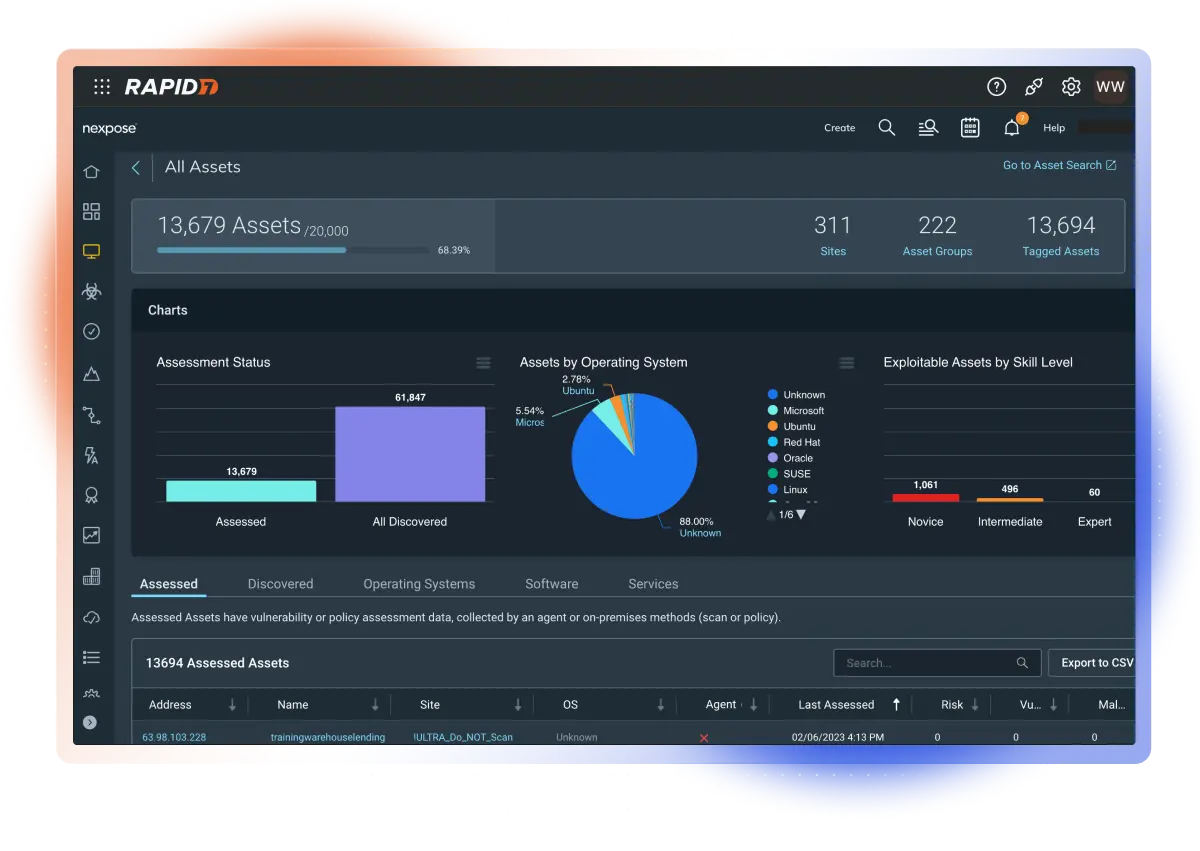
 OpenVAS – Leading Open Source Vulnerability Scanner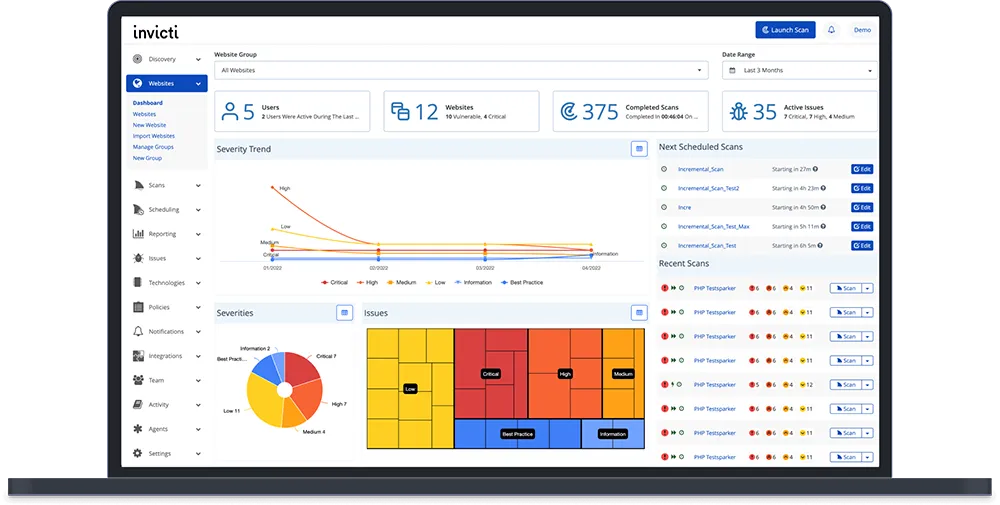
 Sophos Vulnerability Scanner – Integrated Security Solution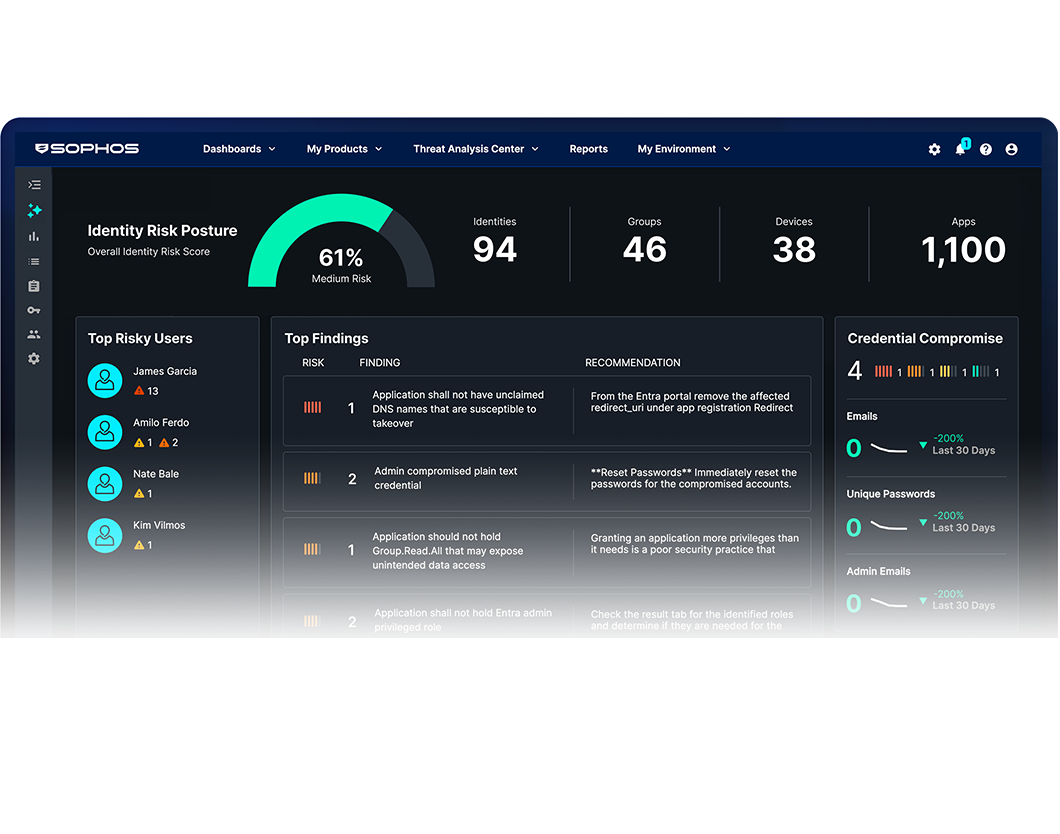
 Trustwave Vulnerability Management – Enterprise Security Controls